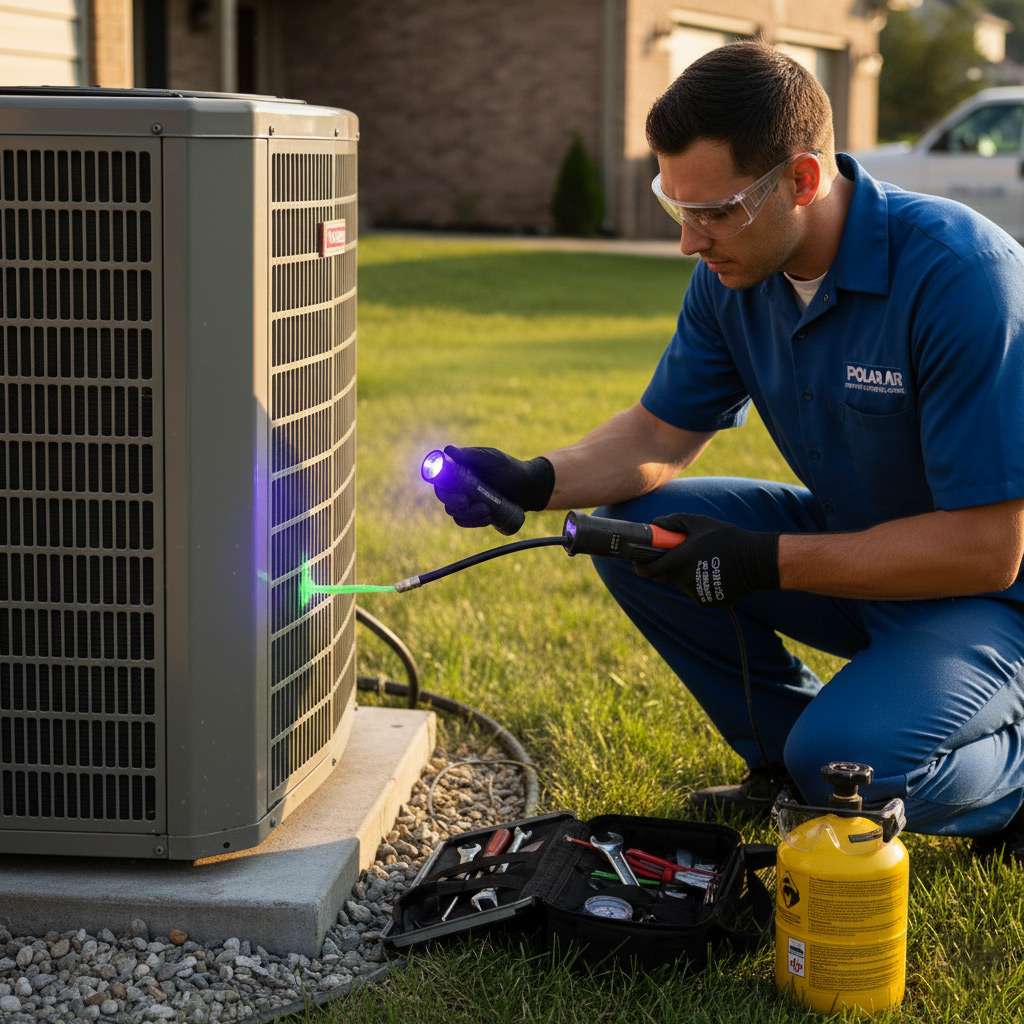
Imagine this: the thermostat flashes “0” on the hottest July afternoon, and the whole house feels like a sauna. That’s the exact moment you wish you had a secret playbook for your HVAC.
Good news – you don’t need a PhD in mechanics to get your system back on track. With a few smart tricks and a little know‑how, Fontana homeowners can diagnose the most common hiccups before the bill spikes.
Stay with me, and I’ll hand you the step‑by‑step moves that turn a frustrating breakdown into a quick fix, so you can breathe easy again.
Understanding Your Fontana HVAC System Basics
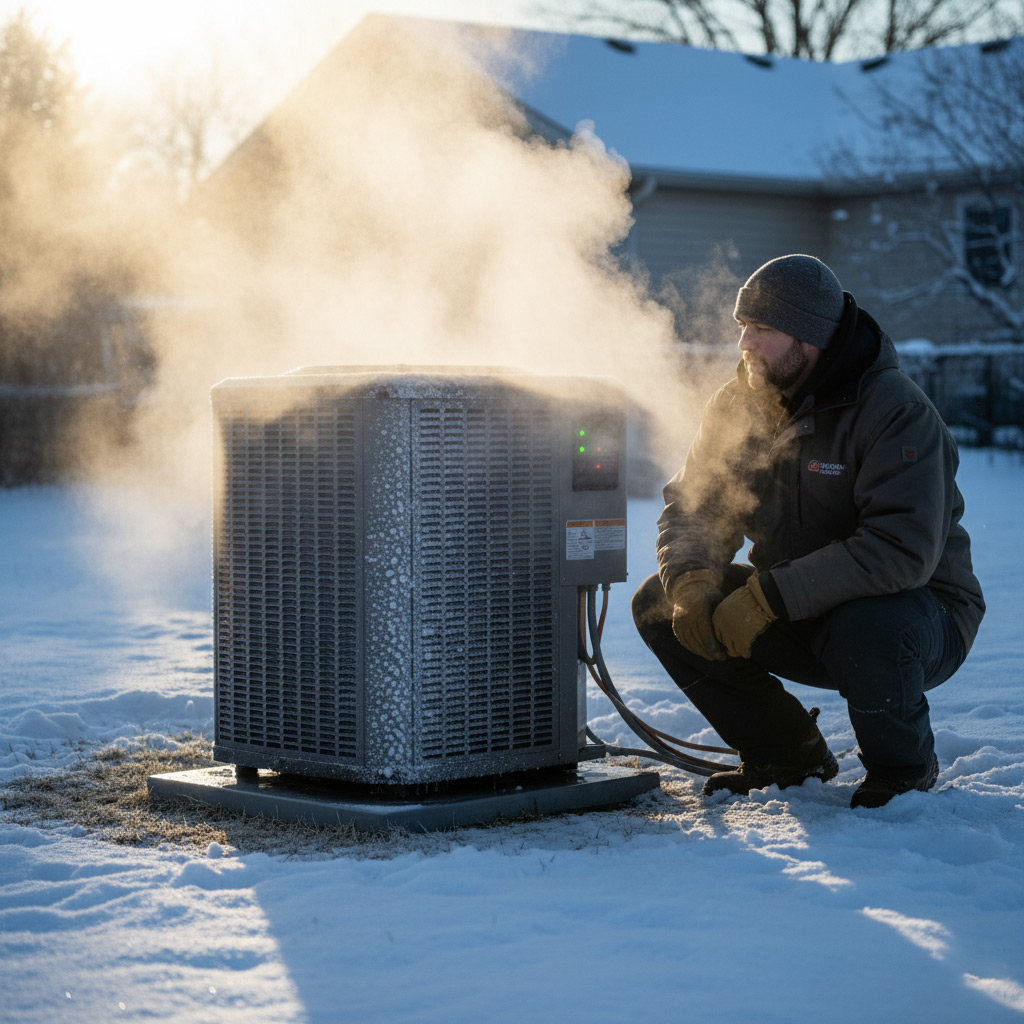
Every home in Fontana runs on a simple loop: air is heated or cooled, pushed through ducts, and returned to start over. The heart of that loop is the furnace or heat pump, paired with an air‑conditioner unit outside. When one link breaks, the whole chain feels the pain.
Key Parts at a Glance
- Thermostat – the brain that tells the system when to fire up.
- Furnace or heat pump – creates warm air or extracts heat from outside.
- Condensing unit – the outdoor workhorse for cooling.
- Ductwork – highways that deliver conditioned air.
- Air filter – the first line of defense against dust.
Fontana’s scorching summers and chilly winters put extra stress on these components. An undersized unit will run nonstop, while an oversized one short‑cycles and wastes energy. Knowing the size and type of your system helps you spot problems before they snowball into costly repairs.
Quick Visual Inspections Before Calling a Pro
First thing’s first—turn off the breaker or pull the disconnect switch. Safety first saves you from a nasty shock and protects the system while you investigate. Then step outside and give the condenser a once‑over; a quick glance can reveal the obvious culprits.
Indoor Unit Spot‑Check
Open the front panel and scan for anything out of place. Look for:
- Loose or disconnected wires – they’ll look frayed or hanging.
- Dust buildup on the evaporator coil – a thin layer blocks airflow.
- Water pooling around the drain pan – could signal a clogged line.
If you spot any of these, a simple clean‑up or tightening might be all that’s needed. Otherwise, note the issue for the technician.
Outdoor Unit Quick Scan
Stand a few feet back and assess the condenser’s condition. Check for:
- Debris or leaves tangled in the fan blades – clear them with a garden rake.
- Visible dents or bent fins – straighten them gently with a fin comb.
- Corrosion on the copper lines – a light scrub with a brush can improve heat exchange.
When the unit looks tidy and the power is restored, give it a test run. If the problem persists, it’s time to call in a pro with the details you just gathered.
Common Thermostat Glitches and Easy Fixes
Power & Display Issues
When the screen goes blank or shows a flickering “0,” the first thing to check is power. Most modern thermostats run on a 24‑V transformer; a tripped breaker or a loose wire can kill the display in seconds.
Fix it fast:
- Locate your home’s main panel and verify the HVAC breaker is ON.
- Pull the thermostat off the wall, inspect the wiring terminals, and tighten any loose screws.
- If you have a battery‑backed unit, replace the batteries with fresh AA’s.
Temperature Mismatch
Ever set the thermostat to 72°F and still feel a draft? That’s usually a calibration slip or a sensor misplacement.
Quick cure:
- Enter the thermostat’s menu and run the “calibrate” routine (often under Settings → Advanced).
- Make sure the indoor sensor isn’t tucked behind a vent or exposed to direct sunlight.
- Reset the unit by turning it off for 30 seconds, then power it back up.
Programming Mistakes
Smart schedules are great—until you accidentally set a “hold” that locks the system at a single temperature. The result? Your home swings between hot and cold all day.
Simple steps to get back on track:
- Press the “Schedule” button and review each day’s program.
- Delete any “hold” or “vacation” mode that’s still active.
- Save the changes and let the thermostat run its normal cycle.
Airflow Issues: Filters, Ducts, and Fans
Check the Filter
When the filter looks like a dust bunny, the whole system chokes. Swap it out every 30‑45 days during summer, and every 60‑90 days in milder months.
Quick visual test:
- Turn off the unit.
- Pull the filter out.
- If you can see a layer of grime, replace it.
Clean air = lower bills.
Inspect the Ductwork
Leaky ducts are silent money‑suckers. A hissing sound or uneven temperatures? That’s a clue.
Do a simple walk‑through:
- Close all vents.
- Turn the fan on low.
- If any vent still blows air, you’ve got a leak.
Seal gaps with foil‑backed tape or call a pro for a proper wrap.
Fan Check
The blower fan moves the conditioned air; a sluggish fan means the house stays hot.
Give it a quick spin:
- Turn off power.
- Remove the access panel.
- Manually rotate the fan blade; it should turn smoothly.
If it sticks, the motor bearings might need lubrication or replacement. Don’t ignore a noisy fan—it’s a warning sign.

Diagnosing Refrigerant Problems Without a Technician
Spot the Symptoms
When the cooling power drops, the first clue is often ice forming on the evaporator coil.
Listen for a faint hissing or bubbling sound – that’s a tell‑tale leak trying to escape.
Feel the supply vents; if the air feels lukewarm instead of crisp, refrigerant might be low.
DIY Checks
Grab a basic refrigerant leak detector kit from a local hardware store – they’re cheap and easy to use.
- Turn the thermostat to “cool” and let the system run for 5 minutes.
- Wave the detector near the coil, lines, and connections; a bright flash means a leak.
- If you have a pressure gauge, compare the reading to the specs on your unit’s nameplate.
Temporary Fixes
Found a leak? Shut off the AC to prevent further damage and give yourself a breather.
For a short‑term boost, a DIY refrigerant recharge kit can add enough charge to get you through a hot spell.
- Follow the kit’s instructions exactly – overcharging is a fast track to bigger problems.
- After recharging, monitor the system for at least an hour; if the ice returns, call a pro.
- Seal the leak with a refrigerant‑compatible sealant until a certified technician can repair it properly.
Case Study: Restoring Comfort for a Fontana Family After a Summer Breakdown
When the Martinez family called on a scorching July afternoon, their AC sputtered and died at 95°F. They were stuck in a heat trap with kids whining and a fridge on the brink. I walked them through a rapid triage that saved them a $1,200 emergency service bill.
The Call
First, I asked three quick questions:
- Is the thermostat showing power?
- Do you hear the outdoor fan spin?
- When was the last filter change?
Answers pointed to a tripped breaker and a clogged filter. Two simple fixes cleared the immediate panic.
We reset the breaker, replaced the filter, and the unit kicked back on within minutes. The house dropped 12 degrees, and the kids could finally relax. The Martinez’s learned that a 5‑minute visual check can prevent a full‑blown crisis.
Final Words
Take Action Today
Now that you’ve got the playbook, the next move is simple: inspect, test, and act before the heat climbs again. A quick visual check or a thermostat reset can save you a call‑out fee and a night of sweating.
- Grab a flashlight and scan your outdoor unit for debris.
- Swap out the air filter if it looks darker than a coffee mug.
- Reset the thermostat and watch for any error codes.
If anything feels off after these steps, don’t guess—reach out to a local pro who knows Fontana’s climate inside out. Our team specializes in turning “uh‑oh” moments into comfortable evenings.
Need more hands‑on guidance? Dive deeper into the HVAC Troubleshooting hub for checklists, video demos, and the latest tips that keep your system humming all year long.
People Also Ask
How can I tell if my HVAC system needs a refrigerant recharge?
If the air coming from vents feels warm or the unit runs longer than usual, the refrigerant may be low. Look for ice buildup on the evaporator coil as a visual clue. In either case, a professional should verify the pressure and safely recharge the system.What are the most common thermostat glitches for Fontana homes?
Incorrect wiring, dead batteries, and outdated firmware often cause erratic temperature readings. Resetting the thermostat or replacing its batteries usually resolves the issue. If the problem persists, ensure the thermostat is compatible with your HVAC model.Can a clogged air filter cause my system to overheat?
Yes, a dirty filter restricts airflow, forcing the blower to work harder and raising the coil temperature. This can trigger safety shut‑offs and reduce efficiency. Replace or clean the filter every 1–3 months, especially during Fontana’s hot summer months.How do I know if my ductwork is leaking air?
Feel for noticeable drafts around vents or notice uneven temperatures in different rooms. A simple “smoke test” using a incense stick can reveal air escaping from seams. Sealing leaks with mastic or foil tape improves comfort and lowers energy bills.When should I call a professional instead of DIY troubleshooting?
If you encounter refrigerant leaks, electrical component failures, or persistent short‑cycling, it’s time to call a licensed technician. Attempting DIY repairs on these issues can be unsafe and may void warranties. A pro can diagnose complex problems quickly and ensure compliance with local codes.
Fontana HVAC brings over a decade of residential and commercial climate‑control expertise to the Fontana community. Their team of licensed technicians delivers reliable heating, cooling, and indoor‑air‑quality solutions tailored to local needs. Committed to responsive service, they keep homes and businesses comfortable year‑round.
Need HVAC?
Fast, reliable solutions for your needs in Fontana, CA, and surrounding areas (92335, 92336, 92337).
Request Fast Quote